What is Vocab?
A Chrome extension that saves words while you browse, highlights them on the pages you visit, and helps you understand and remember them — no account required.
How does saving a word work?
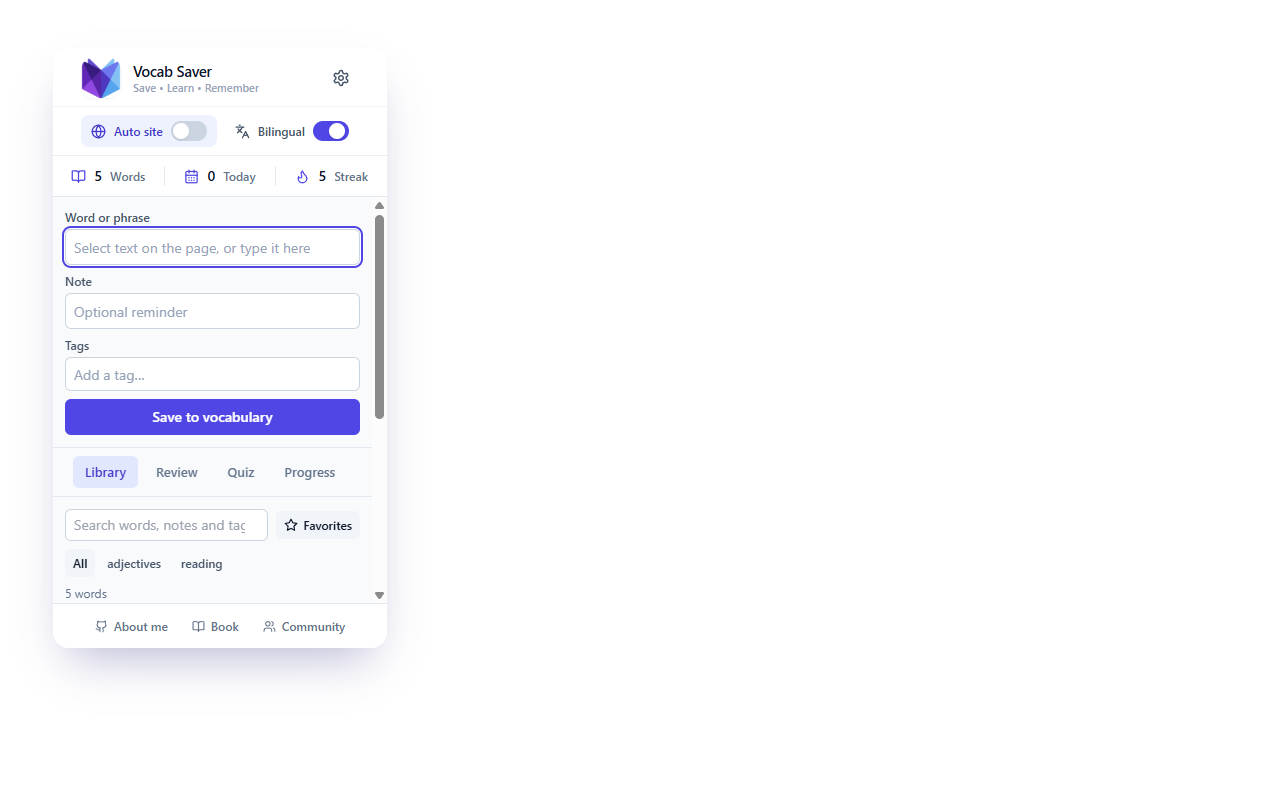
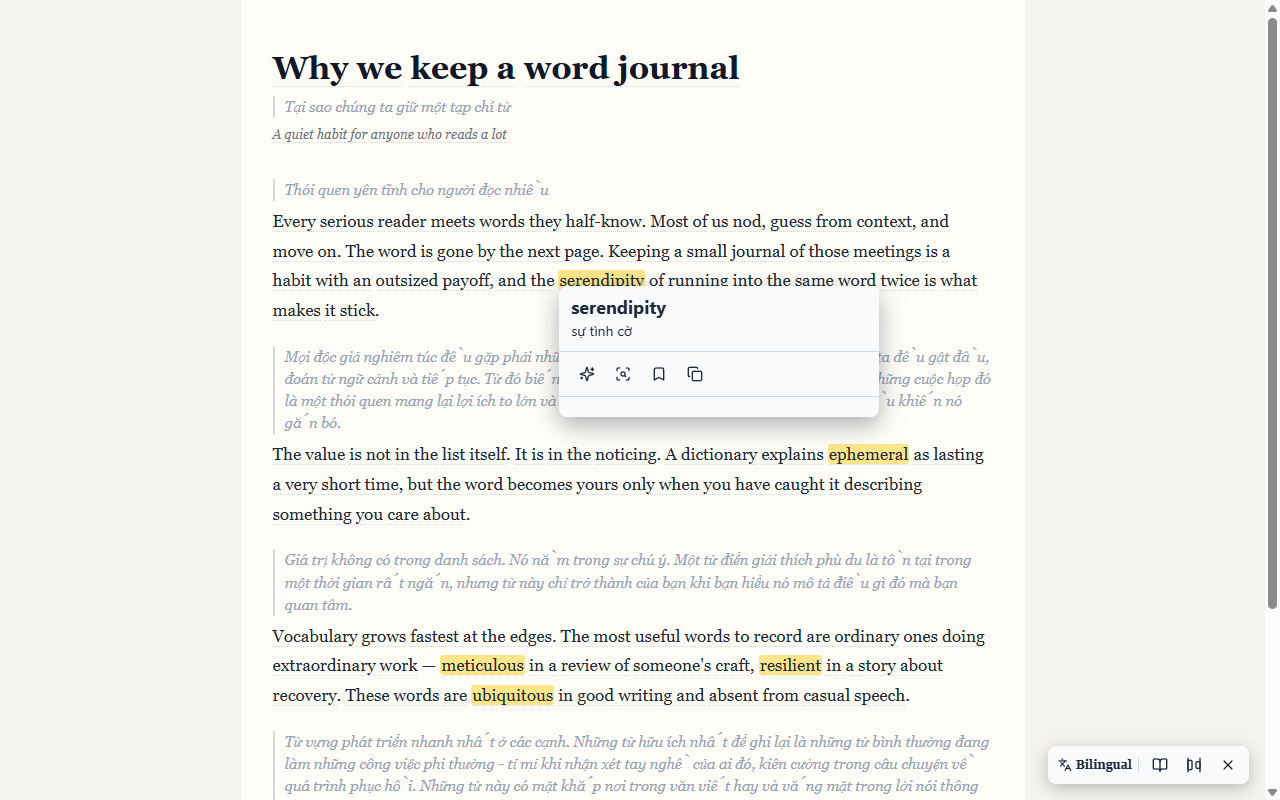
Select any word or phrase and the Vocab card appears with its translation and a Save button. You can also right-click, press Ctrl+Shift+S (Cmd+Shift+S on macOS), or save from the popup. The sentence, source, and a note are stored with it.
Can Vocab highlight words I've already saved?
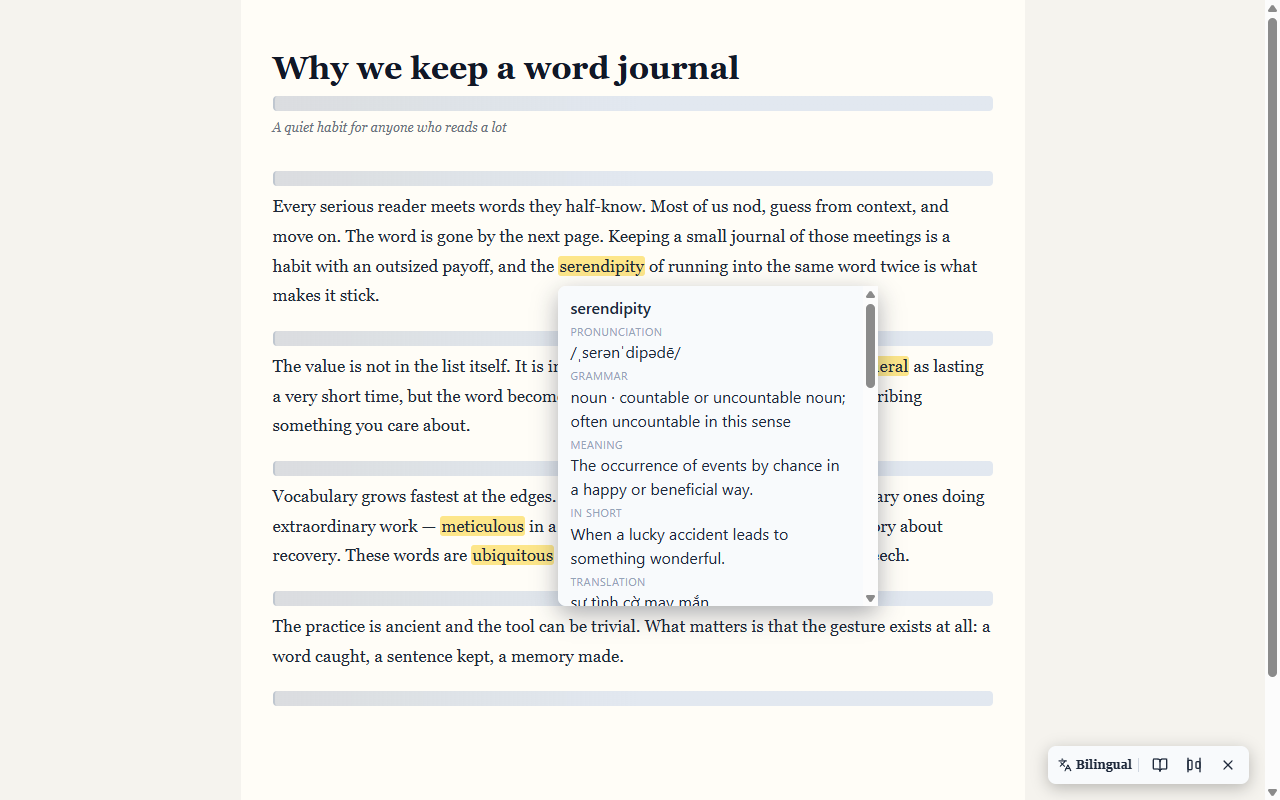
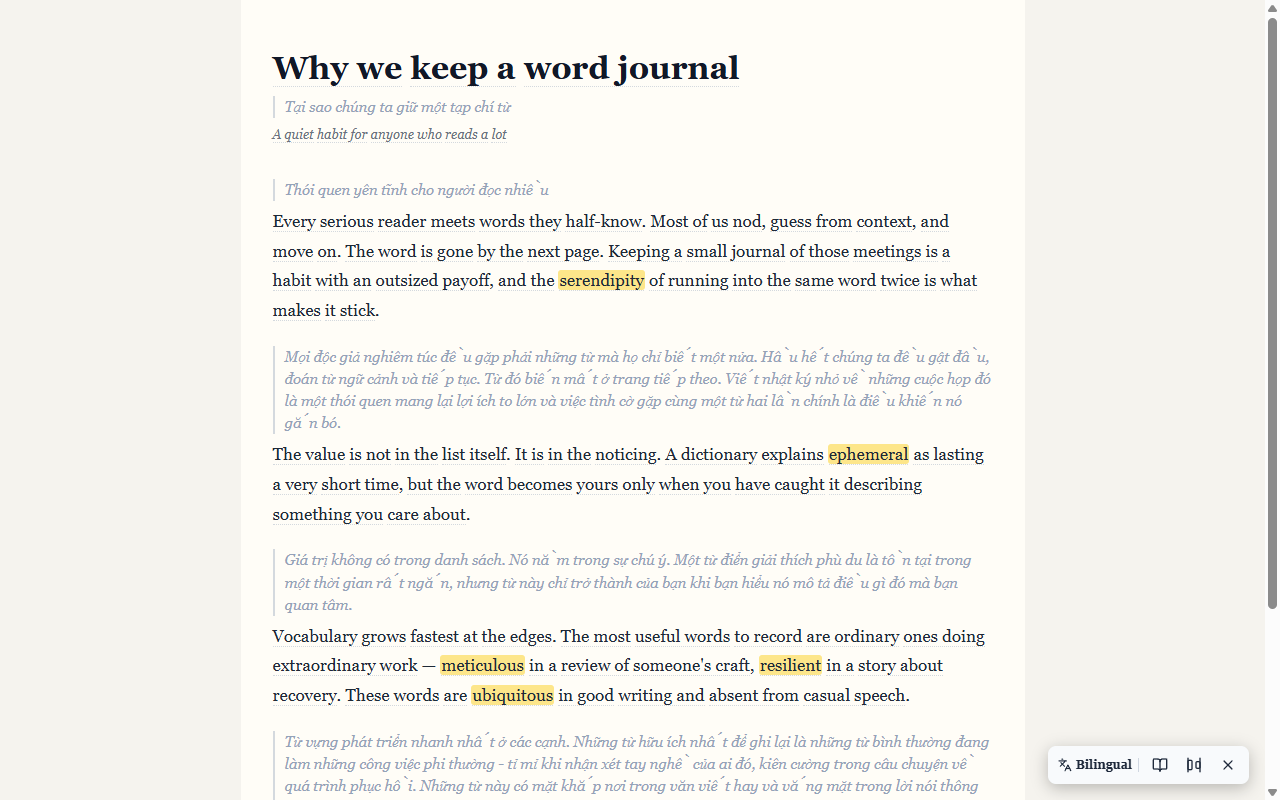
Yes. Saved words are highlighted wherever they appear on the pages you visit. Hover — or focus with the keyboard — to see the meaning, pronunciation, and your note.
What is Vocabulary Radar?
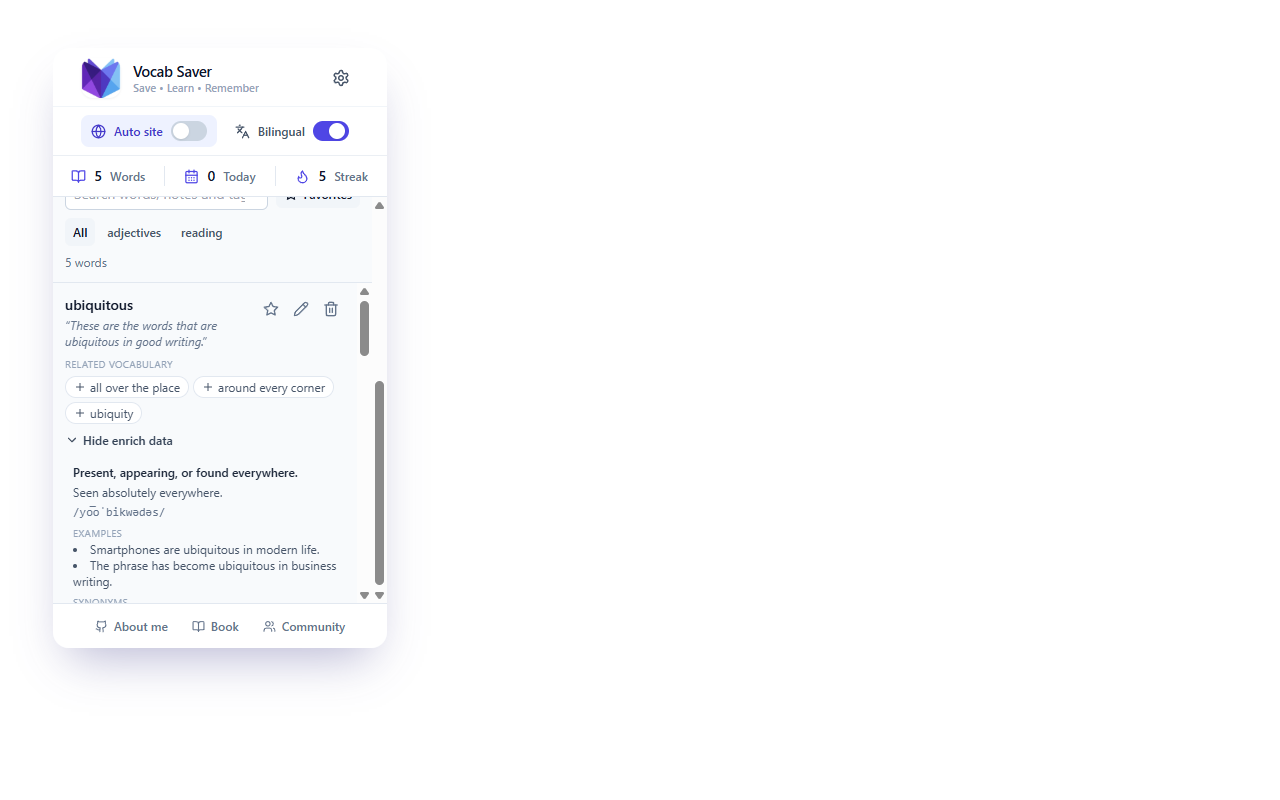
Radar generates related vocabulary from the words you save and enrich — synonyms, opposites, collocations, and word forms — each with a reason it's useful. Saving a Radar word adds it to your vocabulary.
Do I need an account?
No. Vocab has no account, no login, and no email required. Everything is stored locally in your browser.
Does Vocab work on any website?
Yes — Vocab runs on web pages you visit. Chrome's own pages (chrome://, the Web Store, and the built-in PDF viewer) are excluded by the browser itself.
What happens when I use AI enrichment?
When you ask for an explanation, the word and its context are sent directly to the AI provider you configured. AI only runs when you trigger it — saving, highlighting, and translation need no AI key at all.
Where is my vocabulary stored?
In IndexedDB in your browser profile, with settings in chrome.storage.local. There is no Vocab-operated backend.
Can I export my vocabulary?
Yes. Export your collection as versioned JSON and import it anywhere — with merge or replace options.
How do Review and Quiz help me remember?
Review shows a spaced-repetition queue of words due for practice and grades your recall. Quiz turns your saved vocabulary into quick multiple-choice questions. Both run entirely in the popup.